Guide
GUIDE

BUY
- While browsing under a category, click on
 button under the cover of the ebook.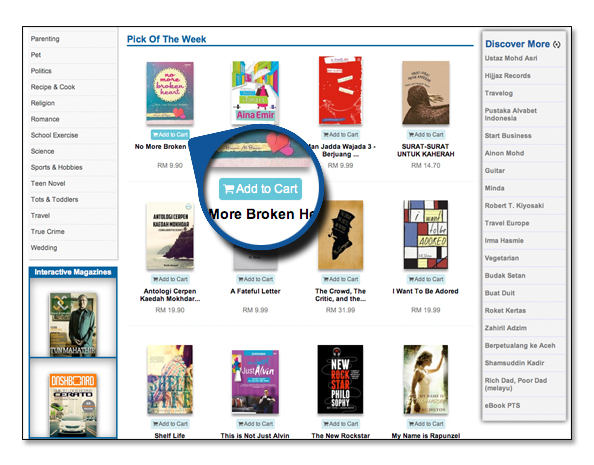
- Click on the cover of the ebook to access the details. To purchase, click on the button at the right hand of the page
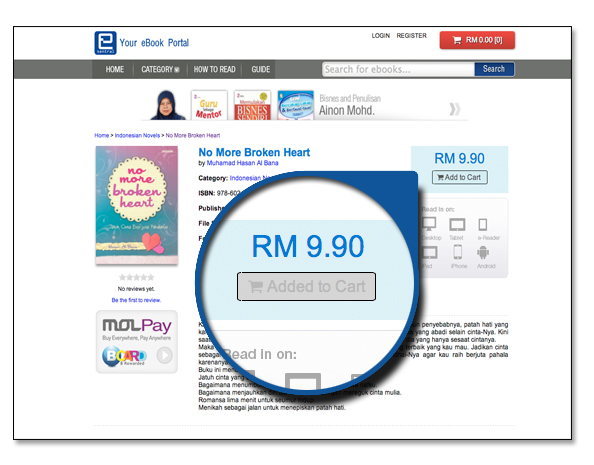 .
.
- Click on the
 button at the upper right hand corner of the page to check out.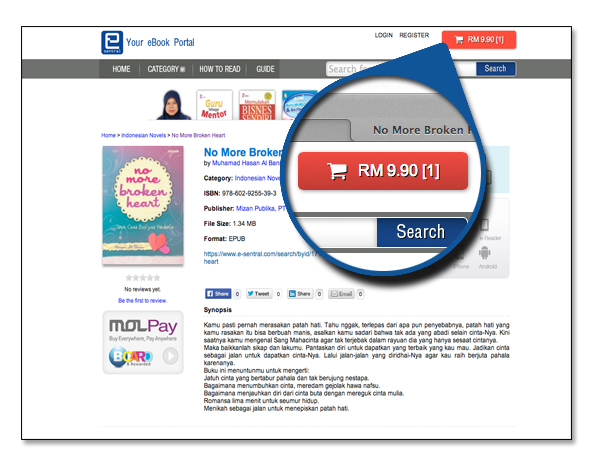
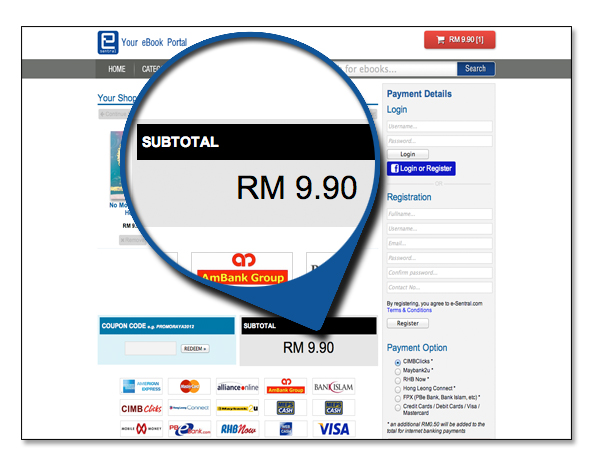
- View of the ebooks you have in your shopping cart with a subtotal value of your order below them.
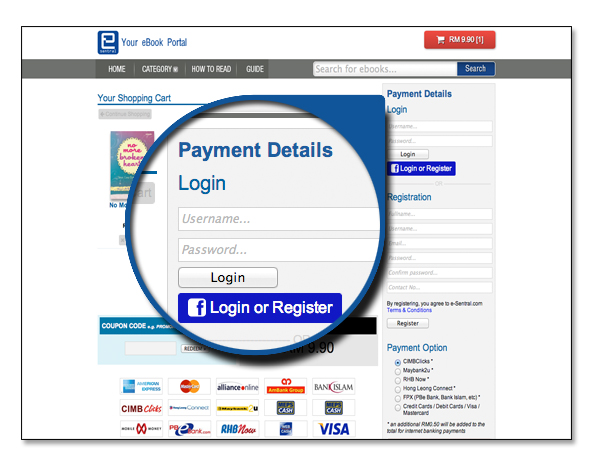
- To proceed, log in into your eSentral account first. If you have not registered, you can do so by entering your personal details below the login.
- In payment details, choose how you will make your payment. Click
 button.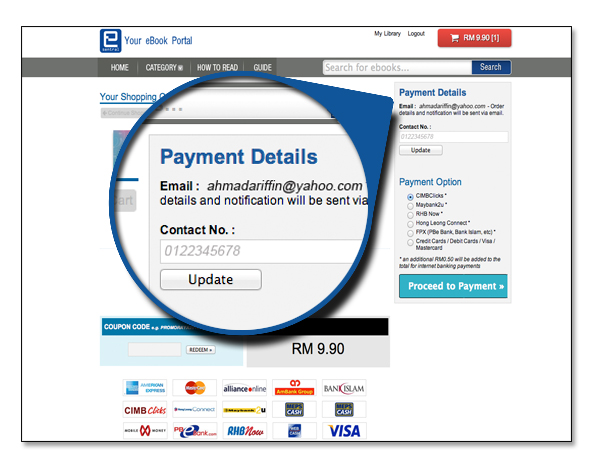
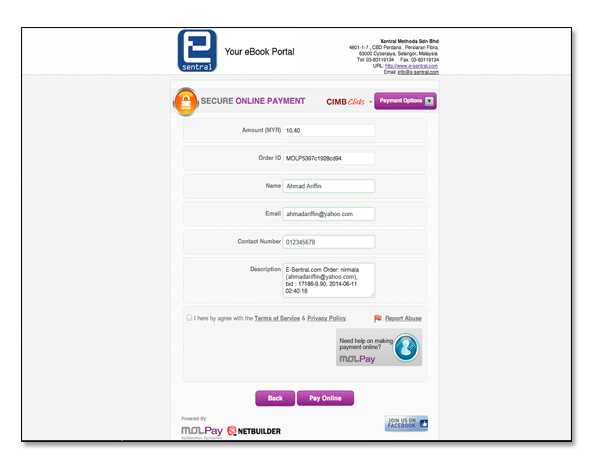
- Check your order. Once satisfied, click the
 button. Proceed with completing your payment through your preferred bank account.